These instructions apply only to those customers who have purchased Moneydance through the Mac App Store. All other Moneydance customers can install extensions through the Extensions menu.
To install extensions:
- Go to the Extensions page on our website
- Click on "download" for the appropriate extension
- Open Moneydance
- Drag the downloaded file, which will have the extension ".mxt", onto the Moneydance program window
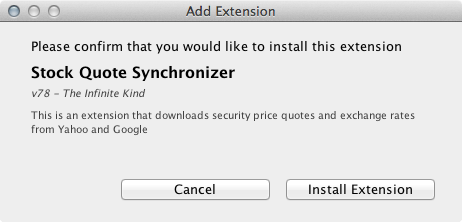
- When the "Add Extension" window appears, click "Install Extension"
- The extension will now be available under the Extensions menu.
Comments